A few years ago, automation software usually meant rigid rules: If a customer fills out this form, send that email. Useful, sure, but brittle. The moment something unexpected happened (a typo, an edge case, a slightly different workflow), the system either failed quietly or created a mess someone had to clean up.
AI automation software changed the feel of automation. Instead of only following hard-coded rules, modern systems can interpret messy inputs, extract meaning from documents, route work intelligently, and even draft responses. That doesn’t mean it’s magic. It does mean you can automate work that used to require a human brain at least part of the time.
I’ve watched teams roll out AI-driven automation and save hundreds of hours, and I’ve also watched teams buy shiny platforms and end up with expensive automation theater. The difference usually comes down to picking the right use cases, building guardrails, and being honest about what AI can’t reliably do. This article breaks down what AI automation software is, the main categories, practical examples, pitfalls, and a grounded way to evaluate tools in 2026.
What Is AI Automation Software?
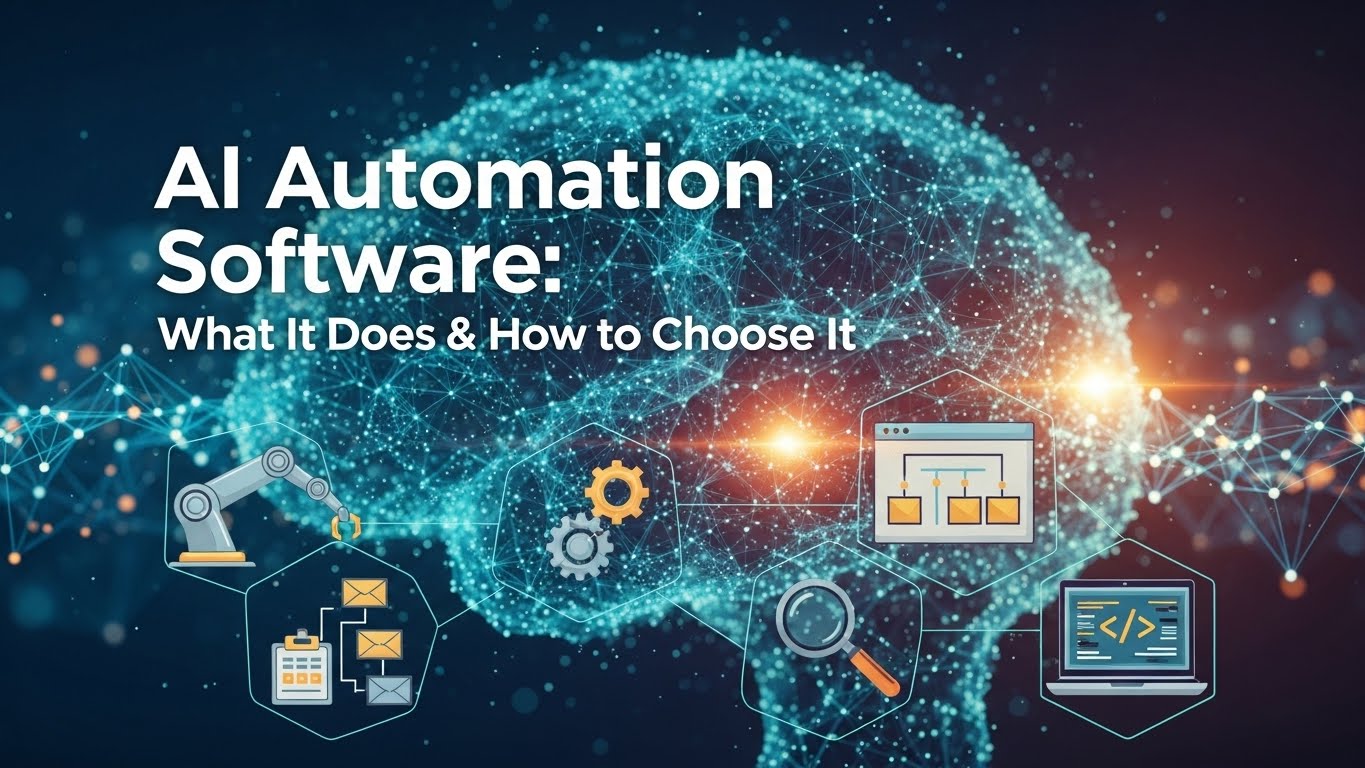
AI automation software combines traditional automation (workflows, triggers, integrations, robotic process automation) with AI capabilities (natural language processing, computer vision, machine learning, generative AI, decision support).
In plain terms, it helps a business run processes with less manual effort, especially when the inputs are unstructured emails, PDFs, chats, images, or free-form text. Classic automation excels at predictable, structured tasks. AI automation extends automation into the fuzzy real world, where people don’t follow forms perfectly, and documents aren’t neatly labeled.
Primary keyword you’ll see used interchangeably: intelligent automation, AI workflow automation, AI process automation, hyperautomation (though that last term can be marketing-heavy).
Where AI Automation Fits Best (and Where It Doesn’t)

AI automation shines when tasks are:
- High-volume
- Repetitive
- Time-sensitive
- Text-heavy or document-heavy
- Moderately complex but pattern-based
- Costly when done manually
It struggles when tasks require:
- High-stakes judgment (medical diagnosis, legal conclusions without review)
- Ambiguous goals (e.g., “make customers happier” without measurable steps)
- Rare edge cases that dominate risk
- Poor data access (no clean systems, no integration permissions)
- Broken underlying process (automating chaos just creates faster chaos)
A good rule: don’t automate a process you haven’t mapped. If you don’t know what done looks like, AI won’t know either.
The Main Types of AI Automation Software:
1) AI-Powered Workflow Automation (Business Process Automation)
These tools orchestrate steps across people and systems approvals, routing, escalation, and notifications. AI adds intelligence: classifying requests, predicting priority, and summarizing context.
Example: An IT helpdesk workflow that reads incoming tickets, categorizes them (password reset vs. device issue), checks entitlement, and routes to the right queue with a suggested response.
Keywords: AI workflow automation, business process automation software, intelligent routing.
2) Robotic Process Automation (RPA) + AI
RPA bots mimic human clicks and keystrokes in legacy systems. Adding AI lets bots handle messier inputs like invoices, emails, screenshots, and forms.
Example: A finance team uses RPA to log into a vendor portal, download statements, and match them to invoices extracted via OCR + AI. Exceptions go to a human.
Keywords: intelligent RPA, cognitive automation, document automation.
3) Document Processing & Intelligent Document Automation (IDP)
This is one of the most practical categories. IDP tools extract data from PDFs, scanned images, invoices, contracts, claims, and more. The AI can recognize fields even when formatting changes.
Example: A logistics company processes bills of lading from multiple carriers with different templates. AI extracts shipment ID, dates, and charges, then validates against a rate card.
Keywords: intelligent document processing, OCR automation, invoice processing automation.
4) Customer Support Automation (with Human-in-the-Loop)
This includes chatbots, agent assist, auto-triage, and response drafting. The best deployments don’t try to replace agents; they reduce handle time and improve consistency.
Example: A support agent gets a suggested reply that references the customer’s plan, recent usage, and relevant help articles, plus a summary of the last three tickets.
Keywords: AI customer service automation, agent assist, AI helpdesk automation.
5) Sales & Marketing Automation with AI
AI helps segment audiences, personalize outreach, score leads, and generate first-draft content. Automation turns that into campaigns and sequences.
Example: When a lead downloads a pricing guide, the system summarizes their company, suggests the next email, and schedules a follow-up task while logging everything in the CRM.
Keywords: AI marketing automation, AI sales automation, lead scoring.
Realistic Case Study: Automating AP Without Losing Control

A mid-sized manufacturing firm I worked with had a classic accounts payable bottleneck: invoices arrived via email in wildly different formats. The AP team manually entered line items, coded expenses, and chased approvals. Month-end was brutal.
They didn’t start by buying the biggest platform. They started by measuring:
- Average invoices per month
- Time per invoice (touch time)
- Error rates
- Top exception reasons (missing PO, mismatch, unclear totals)
Then they implemented an IDP + workflow approach:
- AI extracted vendor, totals, PO number, and key line items.
- The system matched the invoice to the PO/receipt automatically.
- If confidence was high and the match was clean, it auto-routed for approval.
- If confidence was low or a mismatch was detected, it flagged the invoice and asked a human to confirm.
Results after a few months were solid: faster cycle times and fewer late fees. But the win wasn’t only time saved, it was control. The team created approval rules, audit trails, and a clear exception queue. They didn’t pretend exceptions could be eliminated. They designed it for them.
That’s the pattern I trust: automate the boring 70–80%, and build clean handling for the rest.
Key Features to Look For When Choosing AI Automation Software
If you’re evaluating platforms, I’d focus less on glossy demos and more on these practical capabilities:
- Integrations that match your reality
If it doesn’t connect cleanly to your ERP/CRM/helpdesk, you’ll end up with fragile workarounds. - Human-in-the-loop controls
Look for review queues, confidence scores, approval gates, and easy override. Automation without oversight is how errors scale. - Audit trails and compliance support
Regulated industries need logs: what happened, when, and why. - Security and data governance
Ask where data is stored, how it’s encrypted, who can access it, and how retention works. If it touches customer data, you need clarity. - Monitoring and continuous improvement
Good platforms help you measure accuracy, exception rate, time saved, and model drift. AI outputs can degrade if inputs change. - Total cost of ownership
Licensing is only part of it. Implementation, maintenance, change management, and ongoing tuning matter more than most budgets anticipate.
Common Pitfalls (That I See Over and Over)

- Automating a broken process
Fix the workflow first. Otherwise, you just speed up confusion. - Overpromising “end-to-end” autonomy
Most organizations still need human review somewhere. If a vendor insists you won’t, be skeptical. - Ignoring exception design
Exceptions aren’t failure they’re part of the system. Design the exception queue like a first-class product. - No change management
People need to trust the automation. That means training, transparency, and a feedback loop. - Ethical blind spots
If AI is classifying, prioritizing, or making recommendations, you should consider bias and fairness. Who is disadvantaged if the system misreads their message or flags their claim as “high risk”?
A Practical Start: 30-Day Plan to Identify High-ROI Use Cases
If you’re not sure where to begin, here’s a grounded approach:
- List your top 5 pain processes.
Where do people complain? Where do errors happen? Where are deadlines missed? - Measure baseline effort
Even rough numbers help: volume, time per task, error rate, cycle time. - Pick one narrow pilot
Choose something with clear inputs/outputs, obvious success metrics, and manageable risk, like invoice capture, ticket triage, or onboarding document collection. - Set guardrails
Define what the AI is allowed to do automatically and when it must escalate. - Review weekly
Track exceptions and fix root causes (bad templates, unclear policies, missing integrations).
The Bottom Line
AI automation software is at its best when it makes teams faster and more consistent without stripping away accountability.
The smartest implementations I’ve seen treat AI as a capable junior colleague: excellent at drafts, sorting, extracting, and routing; less reliable at final judgment, nuance, and edge cases. If you choose tools based on real process needs, bake in human oversight, and measure outcomes honestly, AI-driven automation can deliver real operational gains beyond hype.
FAQs
What is AI automation software?
Software that automates business tasks using both workflows/integrations and AI capabilities like text understanding, document extraction, and decision support.
Is AI automation the same as RPA?
Not exactly. RPA automates clicks and steps in applications; AI automation often includes RPA but also handles unstructured data and “thinking” tasks like classification and extraction.
What are the best use cases for AI automation?
Invoice processing, ticket triage, employee onboarding, document extraction, CRM updates, compliance checks, and customer support drafting, especially where volume is high.
Do I need technical staff to implement AI automation?
Often yes, at least for integrations and governance. No-code tools help, but successful deployments still require process owners and IT/security involvement.
How do I measure ROI for AI automation?
Track baseline vs. after: time per task, cycle time, exception rate, rework, customer response time, and any reduction in late fees or compliance incidents.
What’s the biggest risk with AI automation?
Scaling errors. Without confidence thresholds, audit trails, and human review paths, small mistakes can multiply quickly across thousands of transactions.

Related Posts