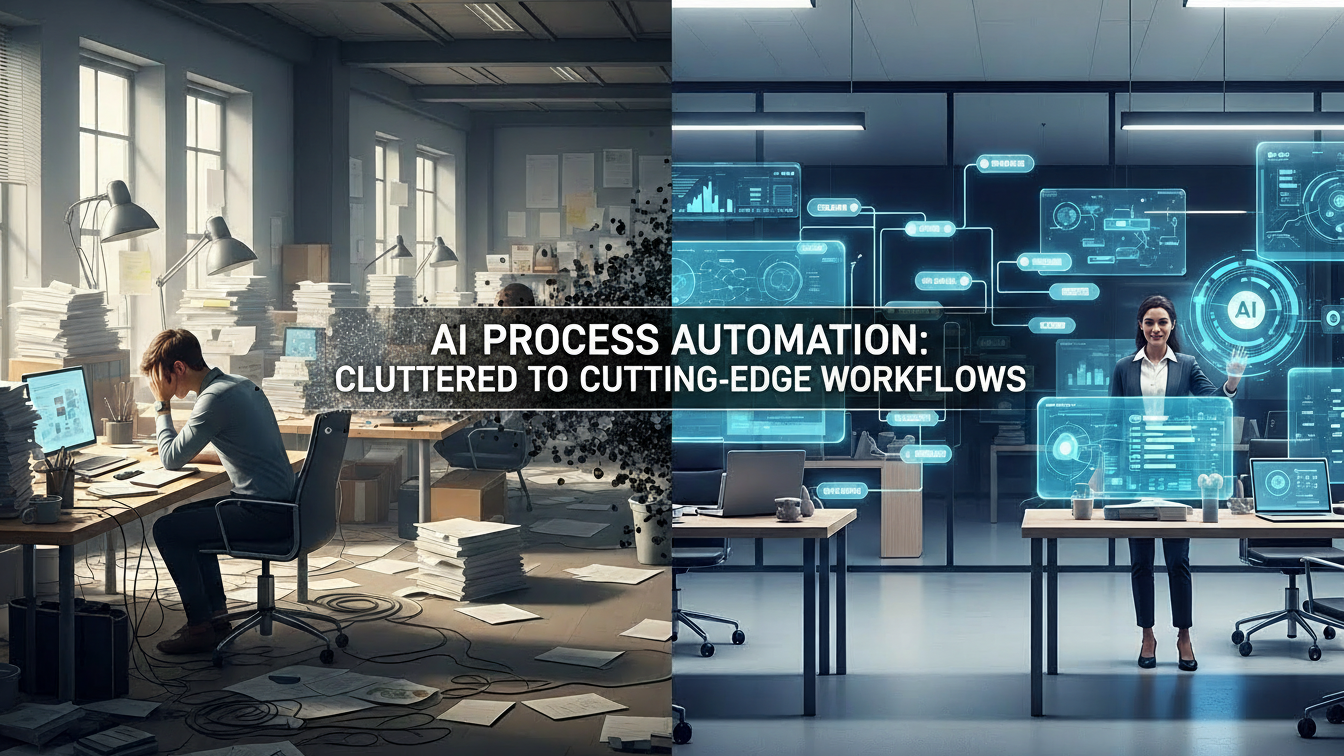
If you’ve ever watched an accountant painstakingly copy‑paste data from PDFs into a spreadsheet, or a customer‑service rep toggling between five screens just to resolve a simple ticket, you’ve witnessed the friction that slows businesses down. For years, companies tolerated these repetitive, error‑prone tasks as just part of the job. Today, AI process automation isn’t just a buzzword; it’s a practical, everyday reality reshaping how organizations operate.
Having consulted with over 30 mid‑size firms on their automation journeys, I’ve seen firsthand how intelligently deployed AI can turn chaotic workflows into sleek, self‑running engines. Let’s unpack what AI process automation truly is, why it matters now, and how you can harness it without losing sight of the human element.
What Exactly Is AI Process Automation?
At its core, AI process automation (often called intelligent automation) merges Robotic Process Automation (RPA) with artificial intelligence capabilities like machine learning (ML), natural language processing (NLP), computer vision, and optical character recognition (OCR).
Traditional RPA simply mimics human actions: click, copy, paste, open a file. It works brilliantly for rule‑based, structured tasks (e.g., moving data from System A to System B). But the moment a process involves unstructured data, a scanned invoice, a customer email, or a handwritten form, RPA stalls. That’s where AI steps in.
AI process automation adds cognition. It can read a PDF invoice, understand the vendor name even if it’s typed in different fonts, validate the amount against a purchase order, flag discrepancies, and even approve it all without human intervention.
Real‑life snapshot: A logistics company I worked with processed 12,000 shipping bills weekly. Their RPA bot could move data, but mismatched handwritten weights caused 15% of bills to be rejected. After adding AI‑powered OCR and NLP, rejection rates dropped to 1.2%. The bot now “learns” from each correction.
How AI Process Automation Works – A Step‑by‑Step Walkthrough
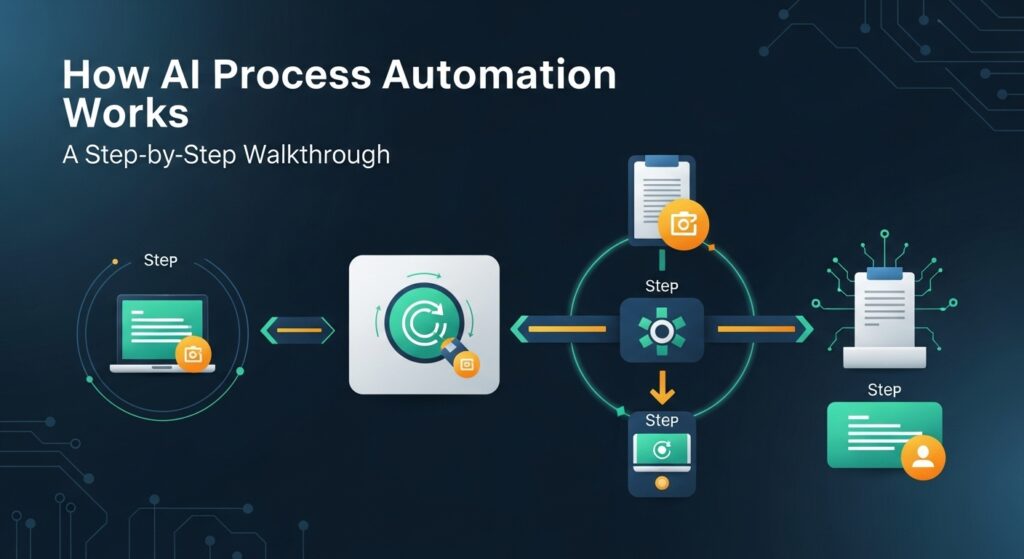
- Trigger: A new document arrives (e.g., an email with an order request).
- Data Extraction: AI‑OCR scans the document, extracts text, tables, and even handwritten notes. NLP interprets the content: “Customer wants 50 units of Product X by Friday.”
- Decision Engine: ML models compare the request against inventory levels, pricing rules, credit limits, and past orders.
- Action: If everything checks out, the system auto‑generates a purchase order, updates inventory, and sends a confirmation email. If something’s off (e.g., insufficient stock), it routes the request to a human manager.
- Feedback Loop: Every decision is logged. Over time, the AI refines its rules, reducing escalations.
The magic lies in the feedback loop. Unlike static software, AI automation improves with use.
Why Now? The Catalysts Driving AI Process Automation
- Post‑Pandemic Digital Surge: When offices went remote, manual hand‑offs became a bottleneck. Companies that had begun automation projects fast‑tracked them.
- Data Explosion: Modern businesses generate terabytes of unstructured data daily (emails, chats, scans, sensor logs). AI is the only feasible way to make sense of it at scale.
- Talent Shortages: Why train staff for monotonous data entry when AI can do it 24/7? This frees humans for strategic work.
- Cost Pressure: A 2023 McKinsey report found that firms using AI automation reduced operational costs by 20‑35% within 18 months.
Tangible Benefits – Beyond “Saving Time”
| Benefit | Real‑World Impact |
|---|---|
| Speed | A bank reduced loan‑approval time from 7 days to 4 hours using AI document parsing. |
| Accuracy | Human error rates in data entry average 1‑3%. AI automation brings that down to <0.1%. |
| Scalability | During holiday seasons, an e‑commerce retailer’s order‑processing bots handled a 300% surge without hiring. |
| Compliance | AI logs every action, providing an immutable audit trail critical for regulated industries like finance and healthcare. |
| Employee Satisfaction | Staff no longer dread “spreadsheet hell.” Surveys at a healthcare client showed a 40% boost in job satisfaction after automating chart‑data entry. |
Real‑World Case Studies

1. Healthcare: Automating Patient Intake
A regional hospital chain struggled with patient registration; each new visitor took 18 minutes to complete forms. Using AI‑powered chatbots and NLP, they built a virtual intake kiosk. Patients answer questions via tablet; the AI validates insurance details in real time, flags missing info, and instantly populates the EMR.
Result: Registration time fell to 5 minutes, and check‑in queues vanished.
2. Manufacturing: Predictive Maintenance
An automotive parts factory experienced unexpected machine downtime costing $120,000 per hour. They deployed IoT sensors combined with AI analytics. The system monitors vibration, temperature, and sound patterns, predicting failures before they happen. Maintenance teams receive alerts only when action is needed.
Result: Unplanned downtime dropped by 45%, saving over $2M annually.
3. Finance: Automated Invoice Processing
A mid‑size retailer received 8,000 vendor invoices monthly, mostly as scanned PDFs. Their finance team spent 30 hours/week on data entry. After implementing AI process automation, invoices are read, matched to POs, and approved automatically. Exceptions (e.g., mismatched amounts) are sent to a manager via a clean dashboard.
Result: Processing time cut by 85%, and the finance team re‑allocated to strategic budgeting work.
Challenges & Limitations – It’s Not Magic

- Data Quality is King
AI is only as good as the data it’s trained on. Garbage‑in, garbage‑out applies doubly here. One client’s automation failed because legacy invoices used 12 different templates. We spent three months standardizing inputs before rollout. - Integration Headaches
Legacy ERP systems (think SAP 2005) often don’t “talk” to modern AI tools. APIs and middleware are essential but require IT expertise. - Change Management
Employees fear replacement. My rule of thumb: Automate the task, not the job. Train staff to monitor, tweak, and oversee bots. Transparent communication is non‑negotiable. - Ethical & Bias Risks
If training data contains biases (e.g., favoring certain vendors), the AI will perpetuate them. Regular bias audits are mandatory. - Initial Cost
While ROI is typically achieved within 12‑18 months, upfront investment in platforms, integration, and training can be $50k–$250k, depending on scope.
Best Practices for a Successful AI Automation Rollout
- Start Small – Pilot a single, high‑impact process (e.g., invoice processing). Prove the value before scaling.
- Map the Process First – Document every step. Use tools like BPMN. You can’t automate what you don’t understand.
- Involve End‑Users Early – The people doing the work spot flaws you’ll miss. Their buy‑in is crucial.
- Choose the Right Tool – Not all AI‑automation platforms are equal. Look for:
- Easy integration
- No‑code/low‑code interfaces
- Strong NLP & OCR capabilities
- Vendor support & updates
- Monitor Continuously – Set KPIs (e.g., “% of invoices processed without human touch”). Review dashboards weekly.
The Future of AI Process Automation
We’re only at the beginning. Emerging trends to watch:
- Generative AI Integration: Bots can now draft emails, reports, or even code snippets based on processed data. Imagine a bot that writes a weekly sales summary after crunching the numbers.
- Hyperautomation: Combining AI, RPA, low‑code platforms, and analytics into a single, seamless workflow ecosystem.
- Self‑Healing Bots: AI bots that detect their own errors and auto‑correct processes without human intervention.
By 2027, Gartner predicts that 70% of organizations will have at least one AI‑automated process in production, up from less than 30% in 2022.
Ethical Considerations: Doing Automation Right
Automation shouldn’t be a blunt instrument. Prioritize:
- Transparency: Clearly disclose when a customer interacts with AI (e.g., “You’re chatting with our AI assistant”).
- Bias Mitigation: Regularly test AI models across diverse data sets.
- Data Privacy: Ensure all processed data complies with GDPR, CCPA, or HIPAA as relevant. Anonymize sensitive fields.
- Human Oversight: For high‑stakes decisions (loan approvals, medical diagnoses), maintain a human‑in‑the‑loop.
Conclusion
AI process automation isn’t about replacing humans; it’s about liberating them. When mundane, repetitive tasks vanish, employees can focus on creativity, problem-solving, and relationship‑building: the truly human skills no algorithm can replicate. The technology is mature, affordable, and, frankly, essential for staying competitive in 2026 and beyond. Start mapping that first process today; the ROI and the gratitude from your team will follow faster than you think.
FAQs
1. How is AI process automation different from traditional RPA?
Traditional RPA follows strict, pre‑defined rules and works only with structured data. AI process automation adds intelligence (ML, NLP, OCR) to handle unstructured data and make decisions, adapting over time.
2. Will AI automation eliminate jobs?
It eliminates tasks, not entire jobs. Most roles evolve: staff move from data entry to overseeing bots, analyzing exceptions, and strategic planning.
3. How long does implementation take?
A focused pilot (e.g., invoice processing) typically takes 6–12 weeks. Larger enterprise rollouts may take 4–6 months.
4. Is AI process automation secure?
Yes, when implemented correctly. Use encrypted data pipelines, role‑based access controls, and regular security audits. Reputable vendors comply with industry standards (ISO 27001, SOC 2).
5. Do I need a data scientist to use AI automation?
Not necessarily. Modern low‑code platforms allow business analysts to configure AI workflows. Data scientists are valuable for customizing complex models, but many solutions are out‑of‑the‑box and ready.
6. What industries benefit most?
Finance, healthcare, manufacturing, logistics, retail, and customer service see the quickest ROI. Virtually any data‑intensive sector can benefit.
7. Can existing systems be automated?
Absolutely. Integration APIs make legacy systems compatible. The key is a thorough process assessment first.

Related Posts