

I still remember the moment everything clicked for me. It was 2019, and I was drowning in spreadsheets, manually copying data between systems, and spending roughly 15 hours weekly on tasks that added zero creative value to my work.
When I finally implemented my first automated workflow, I literally sat there watching it run, genuinely amazed that something so simple had taken me so long to embrace. That experience fundamentally changed how I approach business operations. And honestly, it’s why I’m writing this today.
What Exactly Is Workflow Automation?
Let’s cut through the jargon. Workflow automation uses intelligent systems to handle repetitive, rule-based tasks that previously required human intervention. Think of it as creating a digital assembly line for your business processes.
When someone fills out a contact form on your website, automation can instantly add them to your CRM, send a personalized welcome email, notify your sales team, and schedule a follow-up reminder. All of this happens in seconds, without anyone lifting a finger.
But here’s what makes modern automation different from the clunky systems of the past: it learns and adapts. These systems can now understand context, make decisions based on patterns, and handle variations that would have broken older automation tools.
Where Automation Actually Makes Sense

I’ve seen companies go automation-crazy, trying to automate everything and creating more problems than they solve. Through trial and error (mostly error, if I’m honest), I’ve learned which areas deliver the most impact.
Customer Communication and Support:
This is where I always recommend starting. Automated responses for common inquiries, intelligent ticket routing, and proactive notifications can dramatically improve customer experience while freeing up your team for complex issues.
A friend running an e-commerce business implemented a chatbot-based initial screening for customer queries. Her support ticket volume dropped 40% within three months because simple questions about shipping times, return policies, and order tracking were handled instantly.
Data Entry and Transfer
If your team is manually moving information between systems, you’re burning money. Invoice processing, lead data entry, and report compilation these tasks are perfect automation candidates. They’re repetitive, follow clear rules, and consume disproportionate amounts of skilled workers’ time.
Document Processing and Approvals
Purchase orders, expense reports, and contract reviews are the approval bottleneck that kills productivity in most organizations. Automated routing, deadline reminders, and escalation protocols keep things moving without constant oversight.
Building Your First Automated Workflow
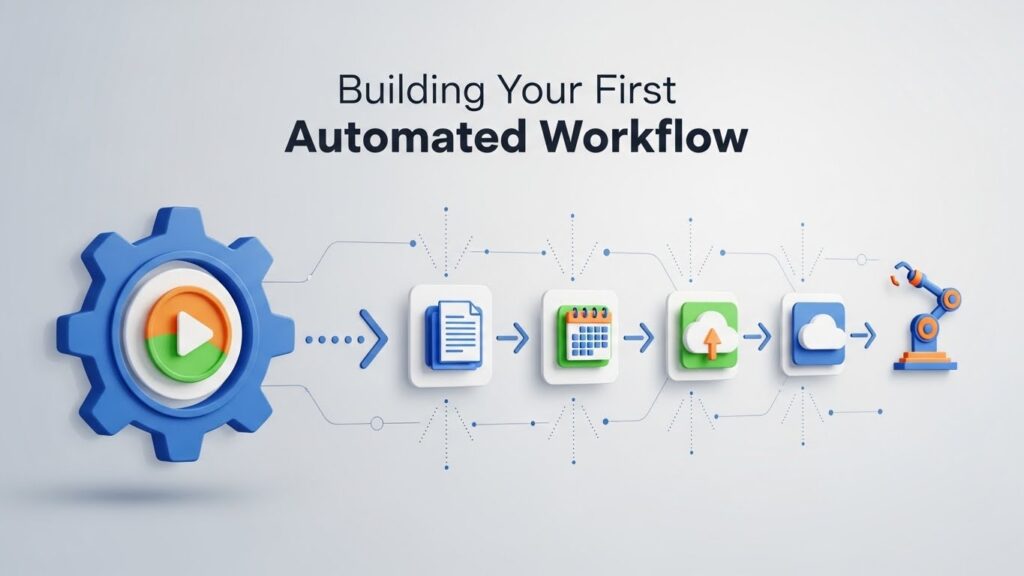
Here’s my approach, refined over several years and dozens of implementations.
Start small. Seriously small. Pick one workflow that’s annoying but not mission-critical. Maybe it’s how you handle meeting scheduling or how new employee onboarding emails get sent. Get comfortable with the logic before tackling anything that could cause major problems if it breaks.
Map the process completely before touching any automation tools. I use simple flowcharts, nothing fancy. Just boxes and arrows showing every decision point and potential outcome. You’d be surprised how often this exercise reveals redundancies or illogical steps you never noticed.
Choose tools that match your technical comfort level. Platforms like Zapier, Make (formerly Integromat), and Microsoft Power Automate offer no-code options perfect for beginners. More complex needs might require platforms like n8n or custom development.
The Human Element Remains Essential
I want to be really clear about something. Automation handles tasks, not relationships. Every automated workflow I’ve built includes human touchpoints at critical moments.
When a customer complaint escalates beyond routine issues, a real person needs to step in. When a lead shows high-intent buying signals, automated nurturing should transition to personal outreach. The goal is to augment human capability, not replace human judgment.
Companies that forget this create frustrating customer experiences. We’ve all been stuck in automated phone trees that never connect us to actual help. Don’t become that company.
Common Pitfalls I’ve Witnessed

Over-engineering is probably the biggest mistake. Trying to automate every edge case creates fragile systems that break constantly. Build for the 80% of standard cases, and create manual fallback processes for exceptions.
Ignoring maintenance is another killer. Automated workflows aren’t set and forget. Systems update, APIs change, business rules evolve. Schedule regular reviews quarterly at a minimum to ensure everything still works as intended.
Skipping testing seems obvious, but I’ve seen experienced professionals skip proper testing and launch automations that sent duplicate emails to thousands of customers. Always test with real-but-controlled data before going live.
Measuring Real Impact
Track time savings, obviously. But also measure error rates, processing speeds, and employee satisfaction. The hidden benefit of automation often surfaces in unexpected places, such as fewer mistakes, faster customer response times, and reduced burnout among team members.
One metric I find particularly valuable is “time to exception.” How quickly does your team discover when an automated process fails? Strong automation includes monitoring and alerting that catch problems before they cascade.
Looking Forward Realistically
The technology is maturing rapidly. Natural language processing now enables automations that understand context in emails and documents. Predictive capabilities can trigger workflows based on anticipated needs rather than just reactive responses. But I’d caution against waiting for perfect technology.
The fundamentals of good automation, clear processes, sensible logic, and human oversight, remain constant regardless of how sophisticated the tools become. Start where you are, with what you have. The learning curve is real, but the payoff is substantial. My only regret is not starting sooner.
Frequently Asked Questions
How much does workflow automation typically cost?
Costs range from free (basic Zapier plans) to thousands of dollars monthly for enterprise solutions. Most small businesses spend $50-200 monthly on automation platforms.
Can automation work with my existing software?
Most popular business applications have pre-built integrations. Check your automation platform’s integration directory before committing.
How long does implementation take?
Simple workflows take hours to build. Complex, multi-step automations may require weeks of planning, building, and testing.
What skills do I need to get started?
No coding required for most platforms. Logical thinking and process understanding matter more than technical expertise.
Is automation secure for sensitive data?
Reputable platforms maintain strong security standards, but always verify compliance certifications and data handling policies for your industry.

Related Posts